
How to Start Your Matterport Virtual Tour from Any Location
When someone opens your virtual tour, they’ll usually start at the default entry point. That’s fine… until you want them to see something specific straight away.
The good news is, you can control exactly where your tour begins. It takes a few seconds.
Step-by-step guide
Open your Matterport virtual tour.
Move to the exact position you want people to start from.
In the bottom right corner, click the share icon (three connected circles).
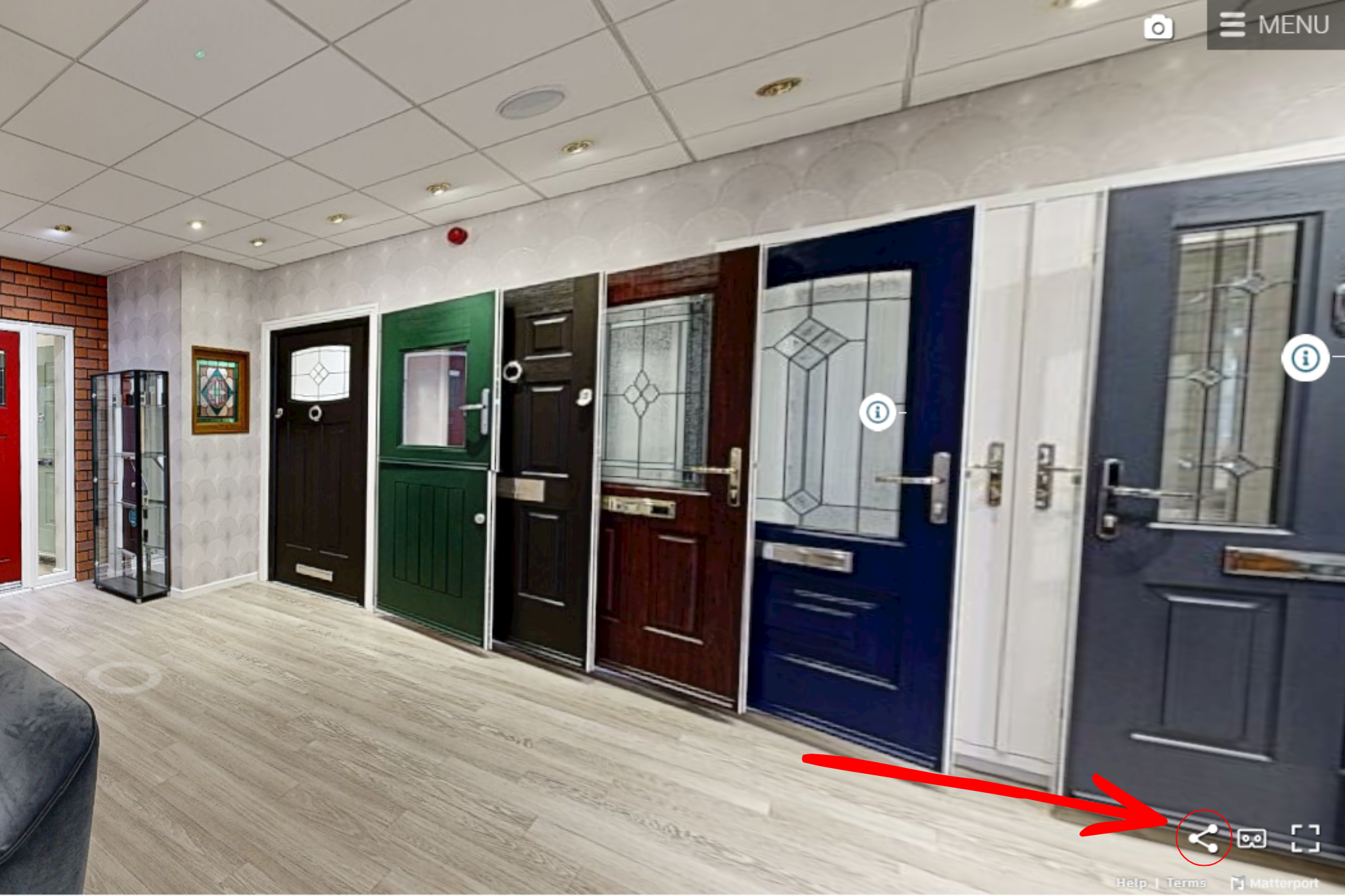
Select “Copy Current Location”.
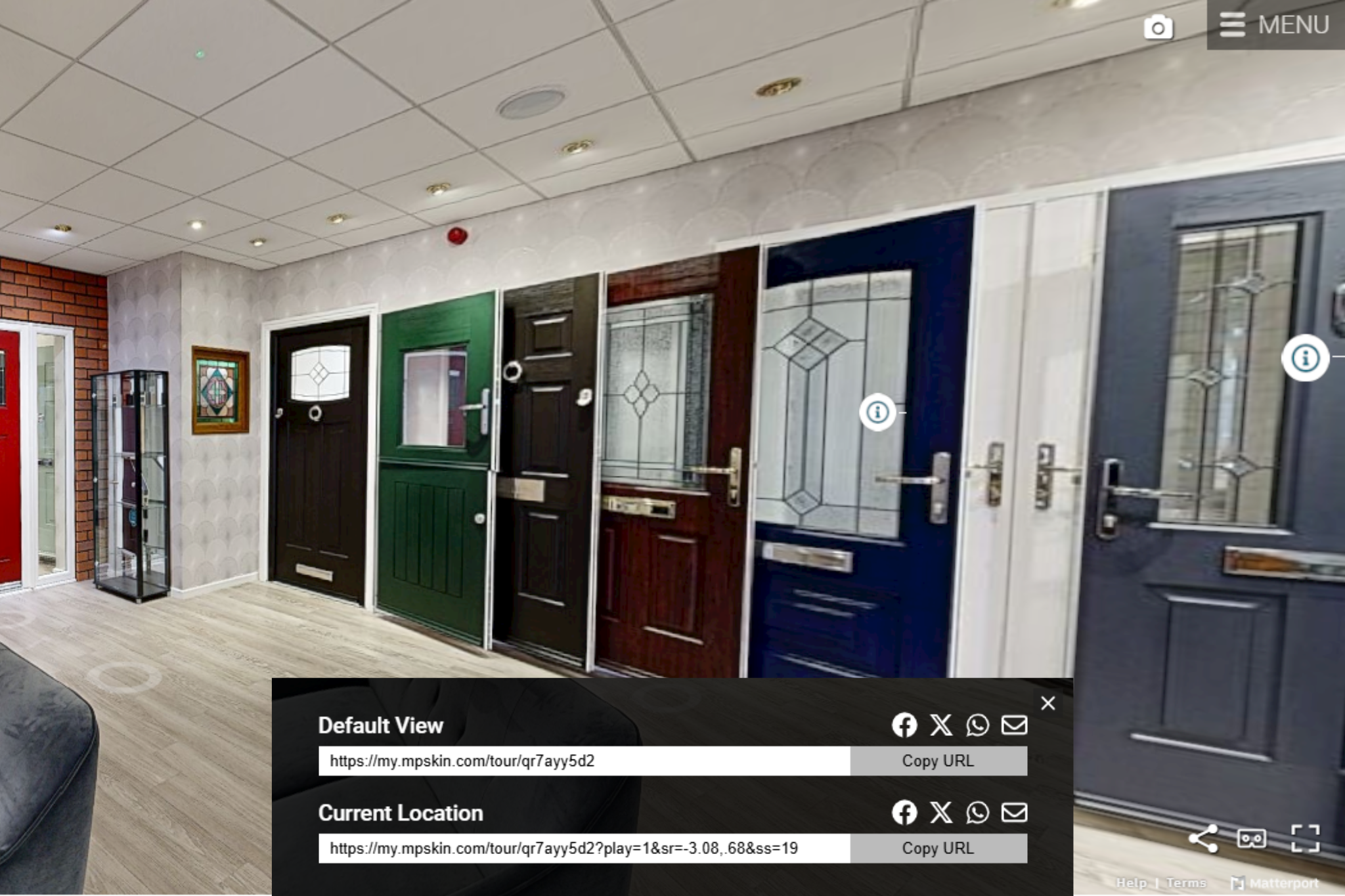
Paste that link wherever you want - email, website, social media, or messaging.
That’s it. When someone clicks the link, the tour will load from that exact spot.
When this is useful
This is helpful anytime you want to guide someone straight to a specific area without making them navigate.
For example:
A nursery sending parents directly to a new classroom
A hotel linking straight to a function room or suite
A showroom highlighting a key product or display
It keeps things simple. No extra clicks. No confusion. Just straight to the point.